


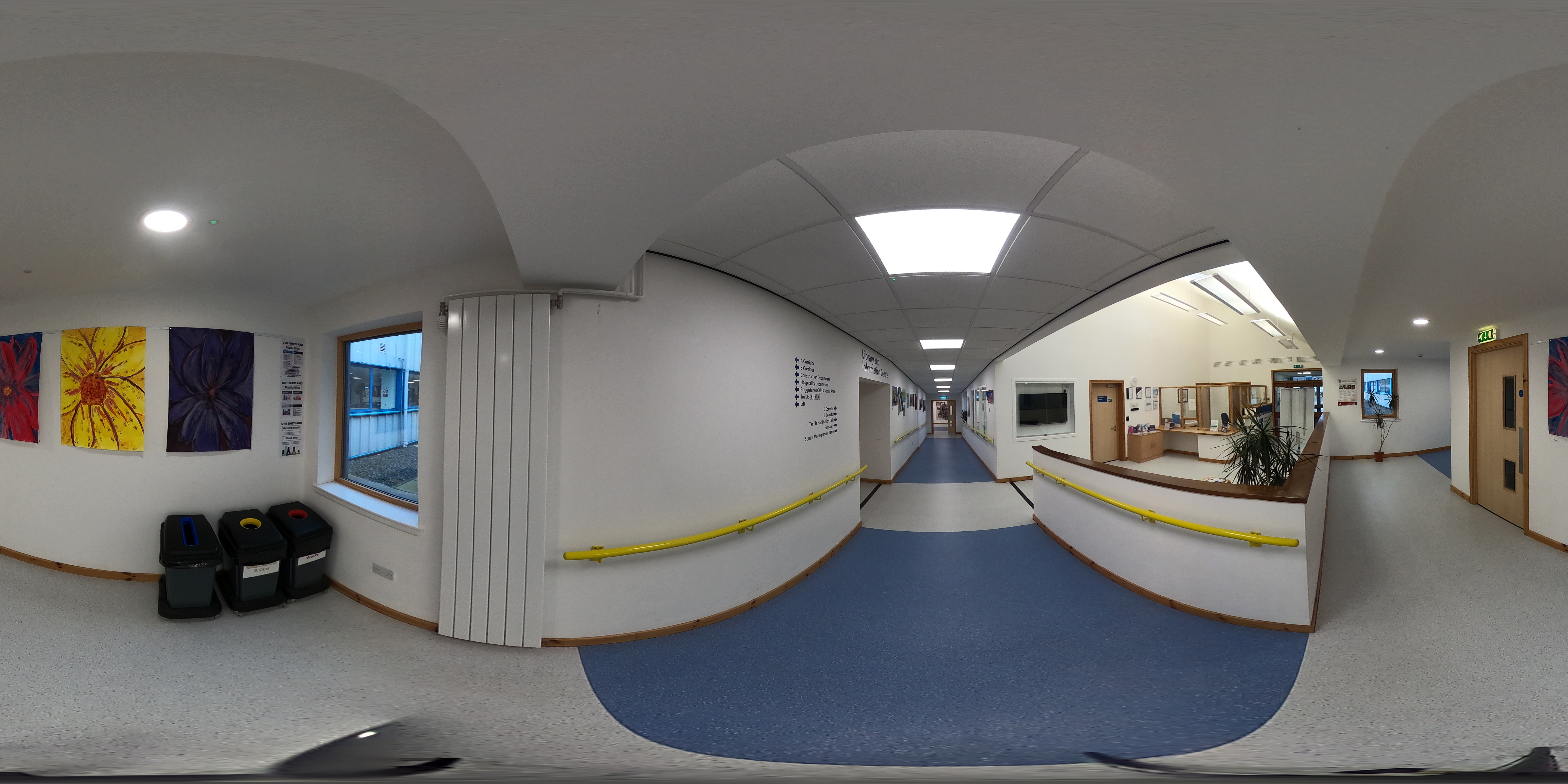
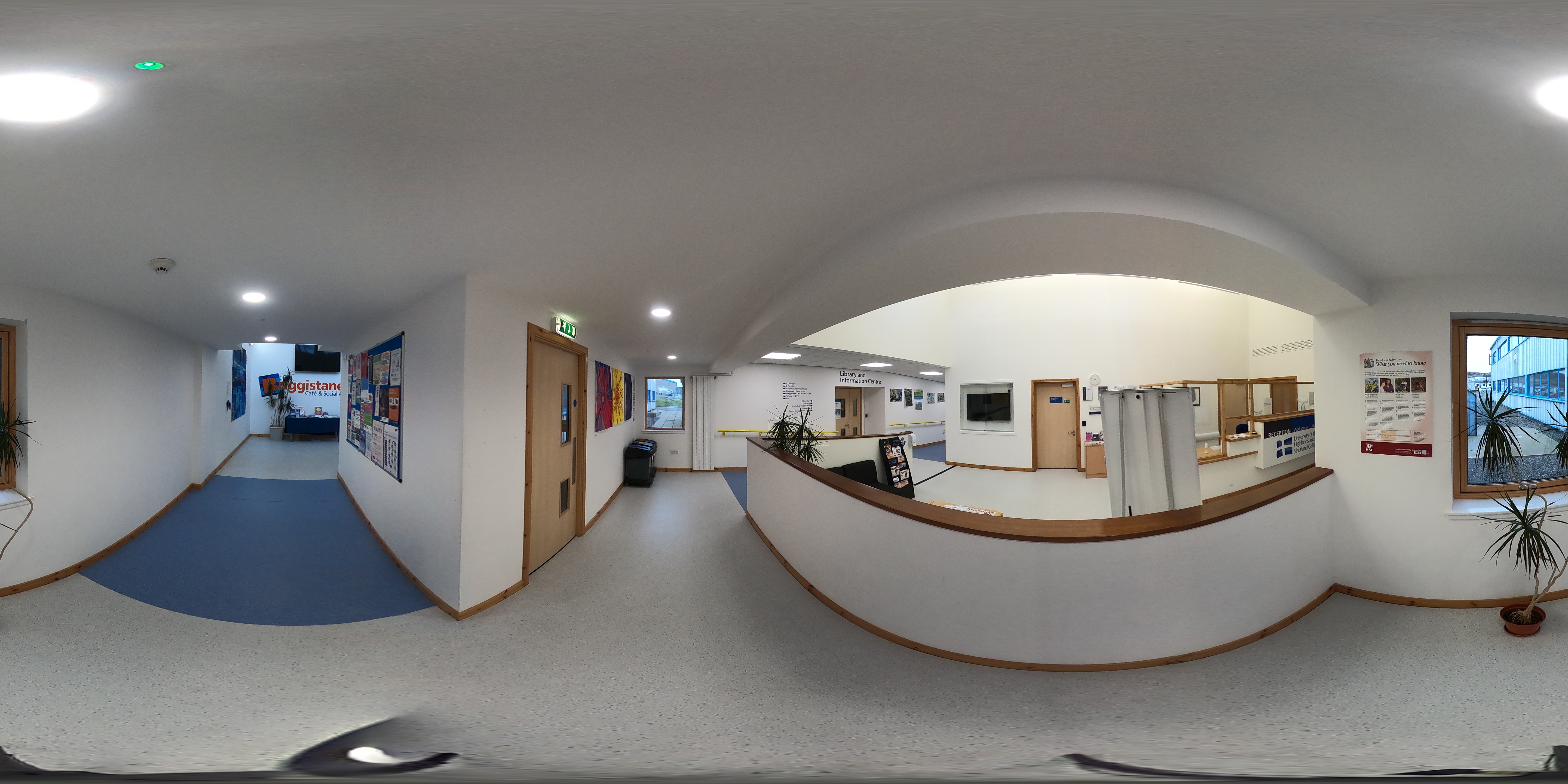
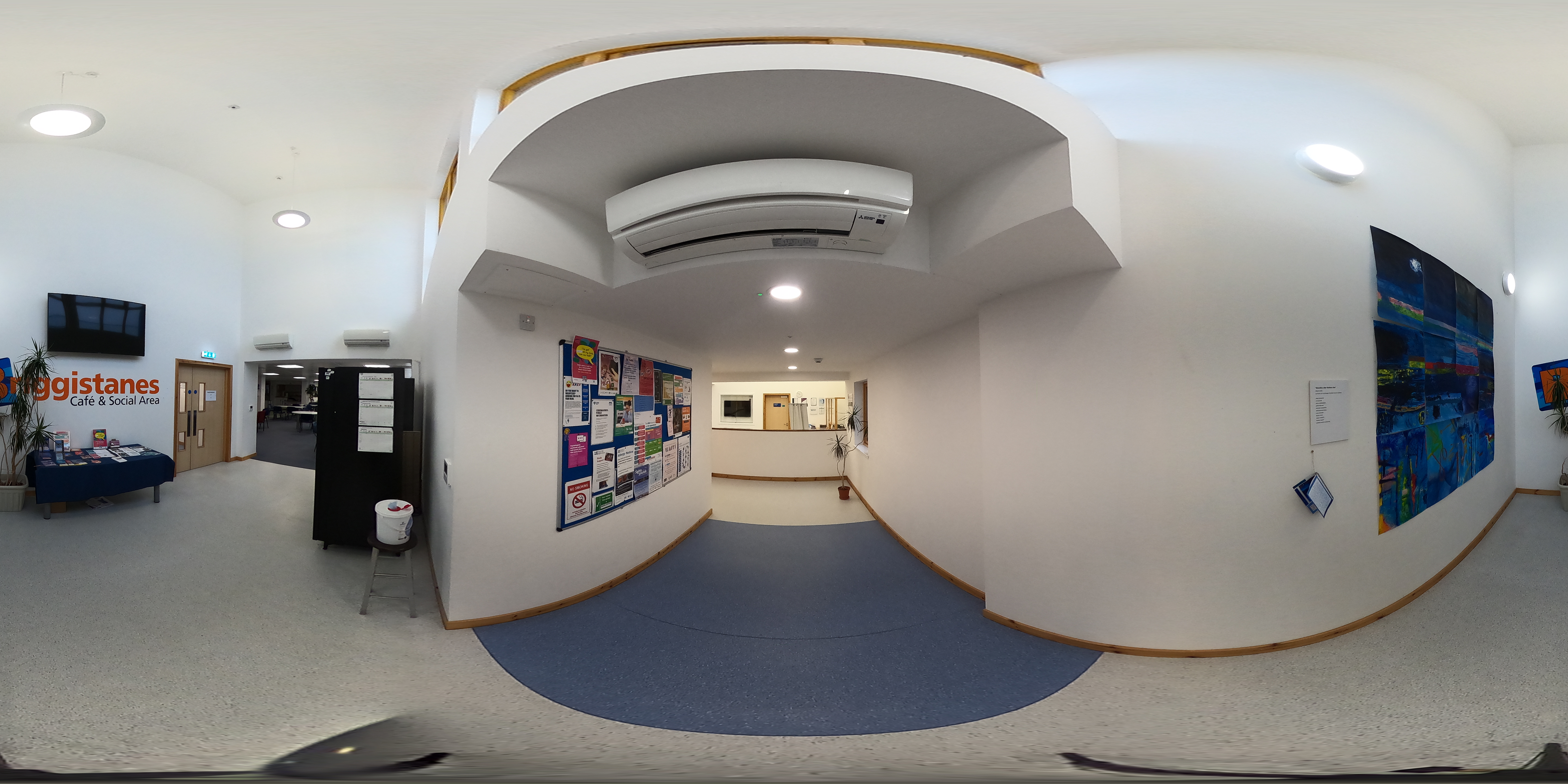
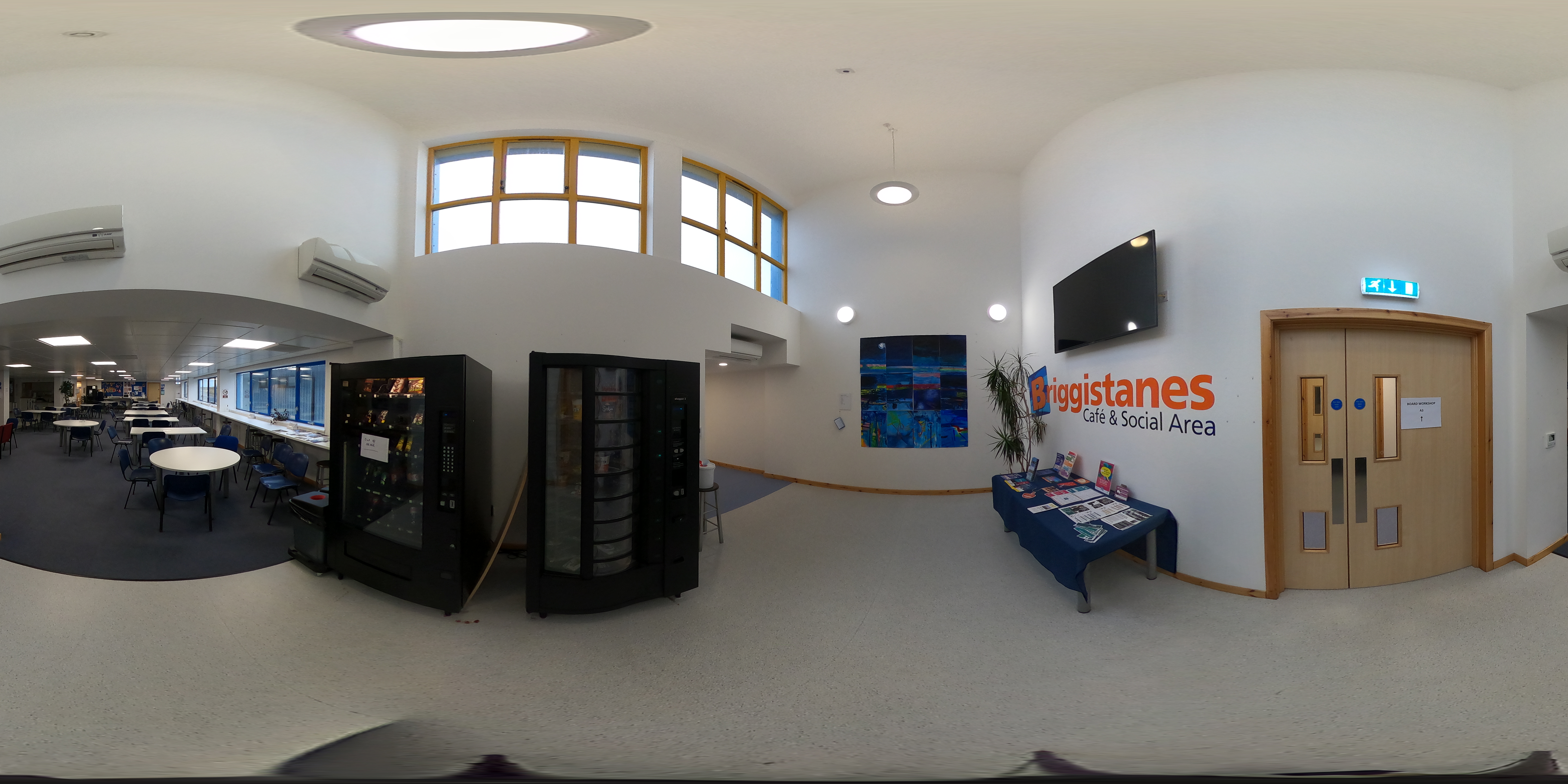
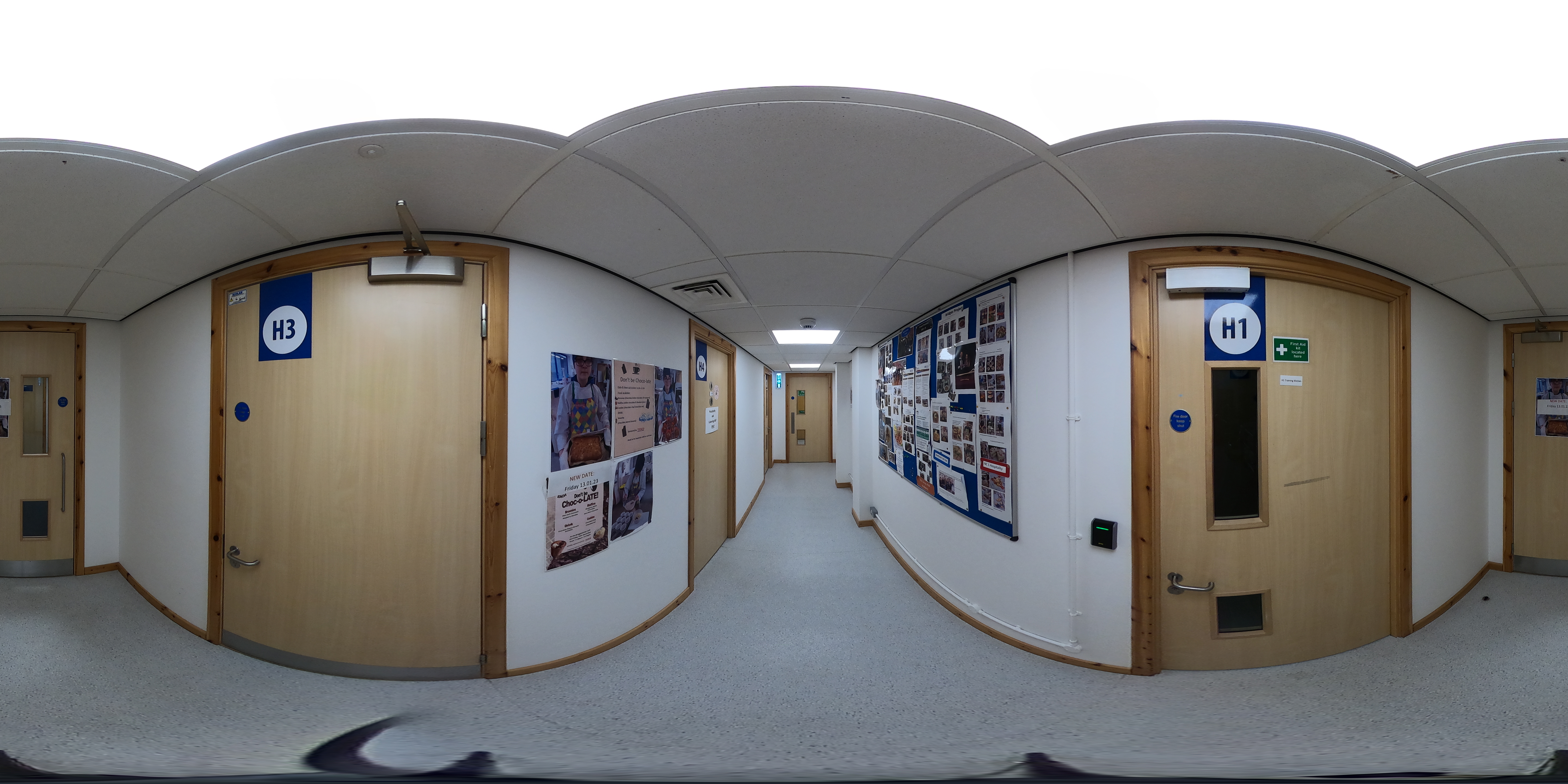
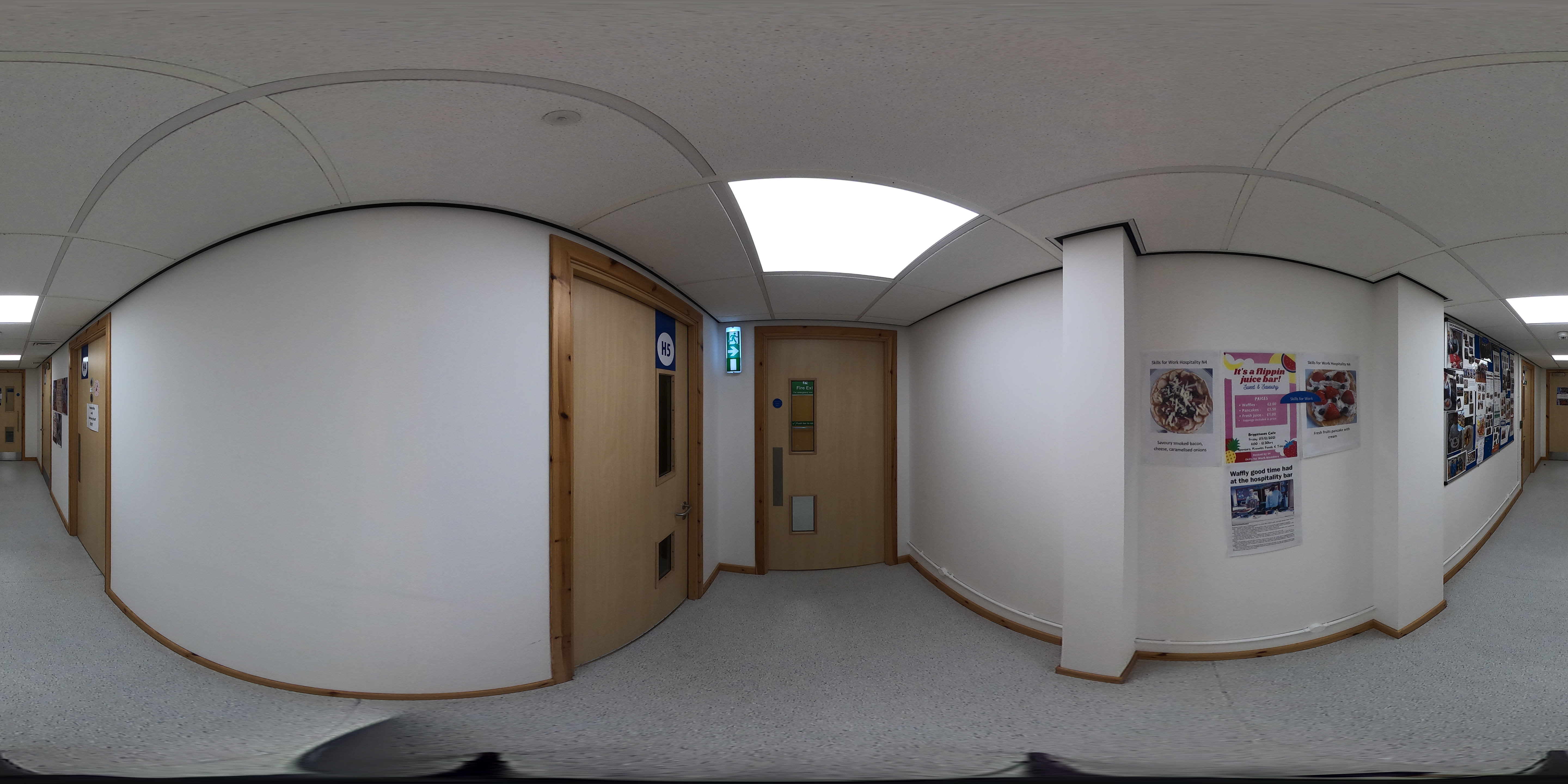
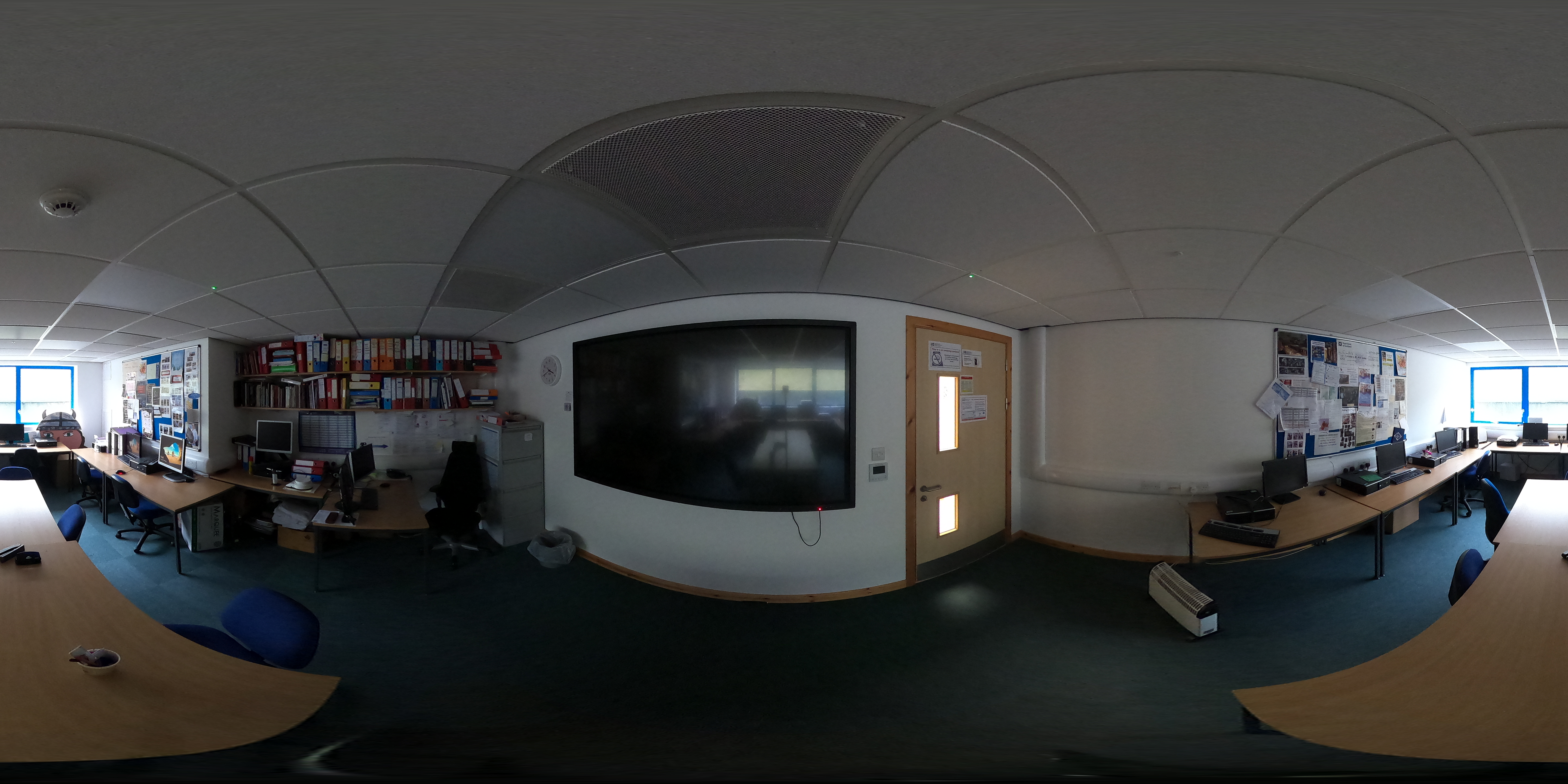
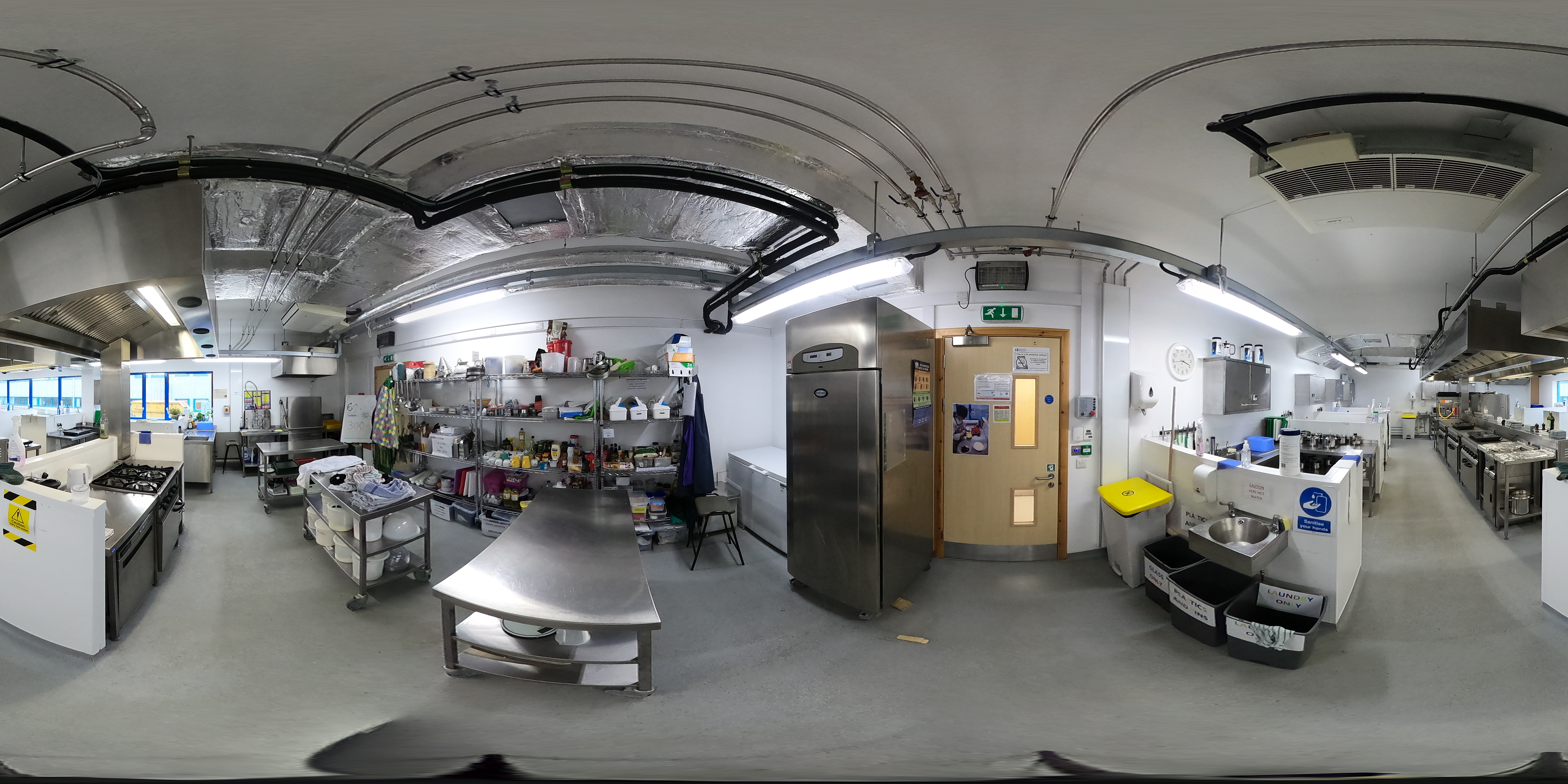

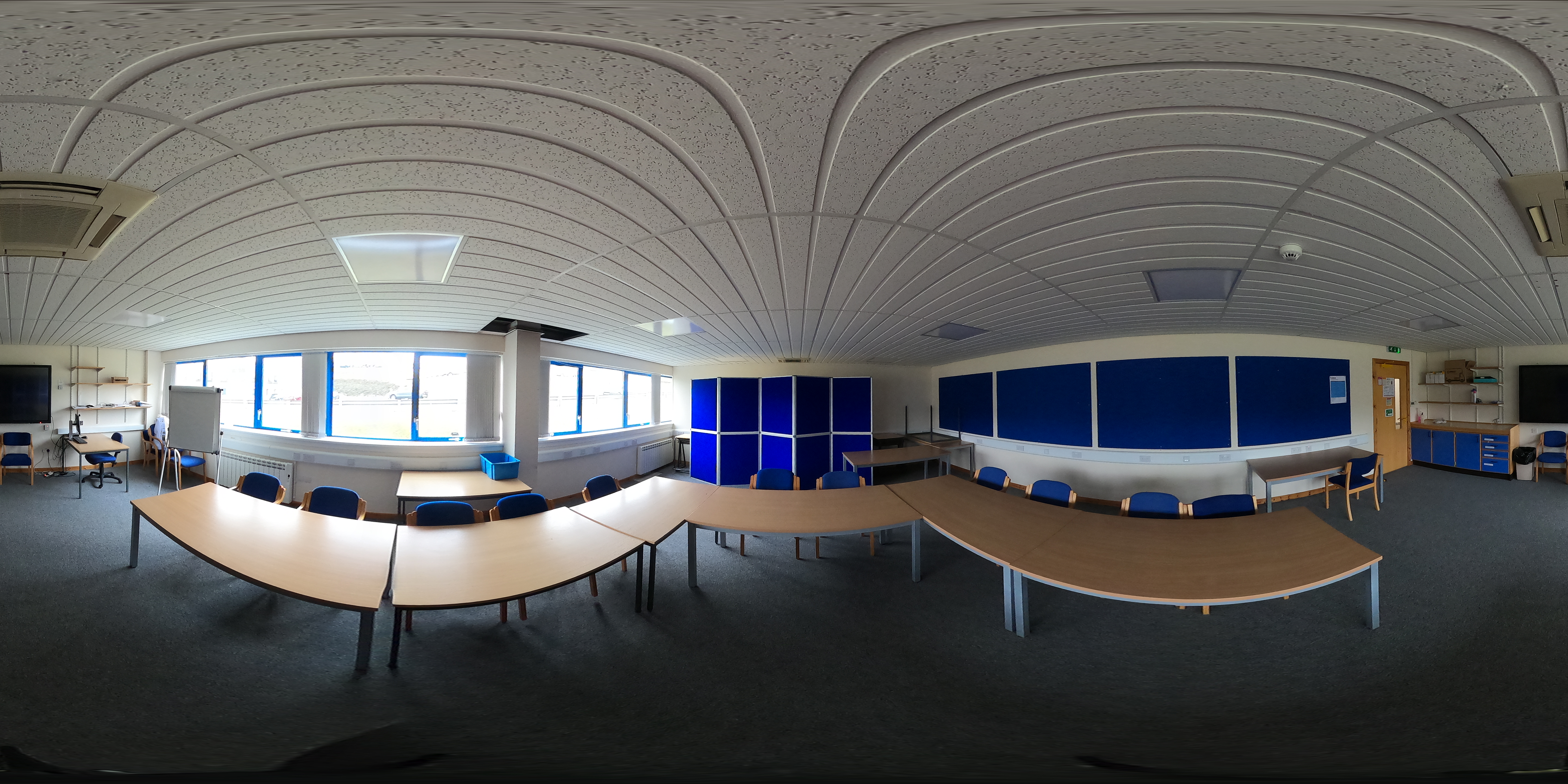
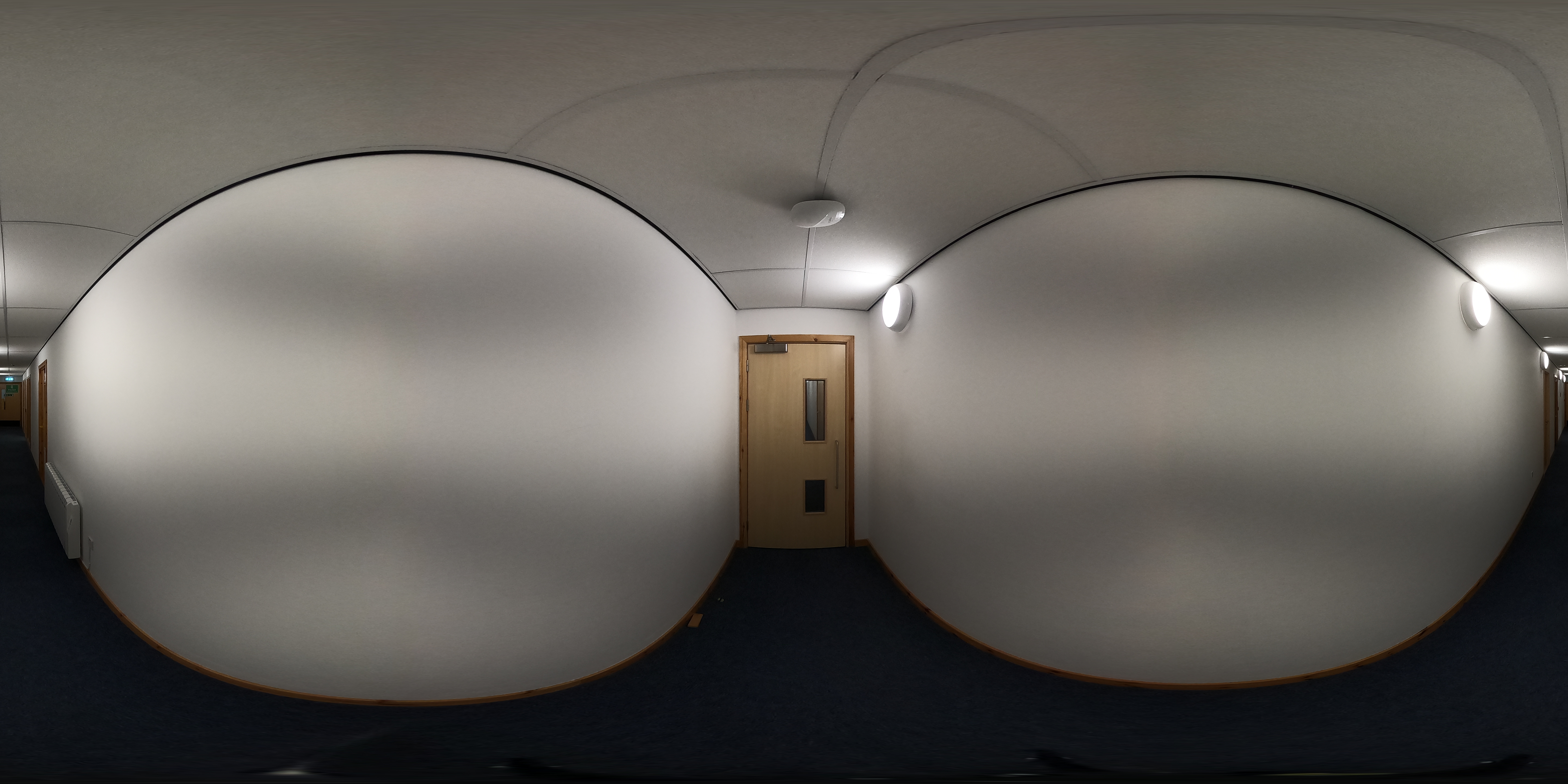
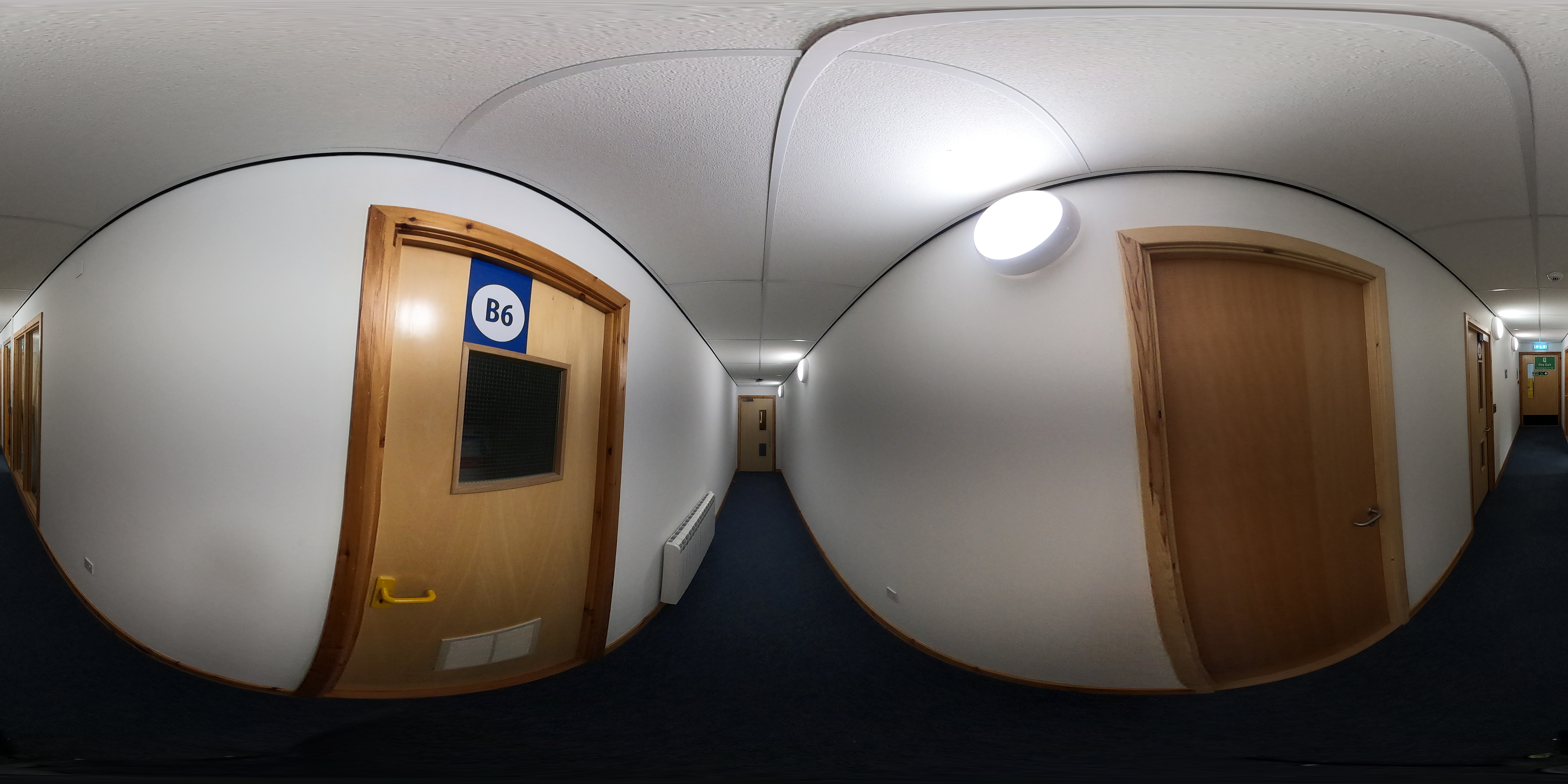
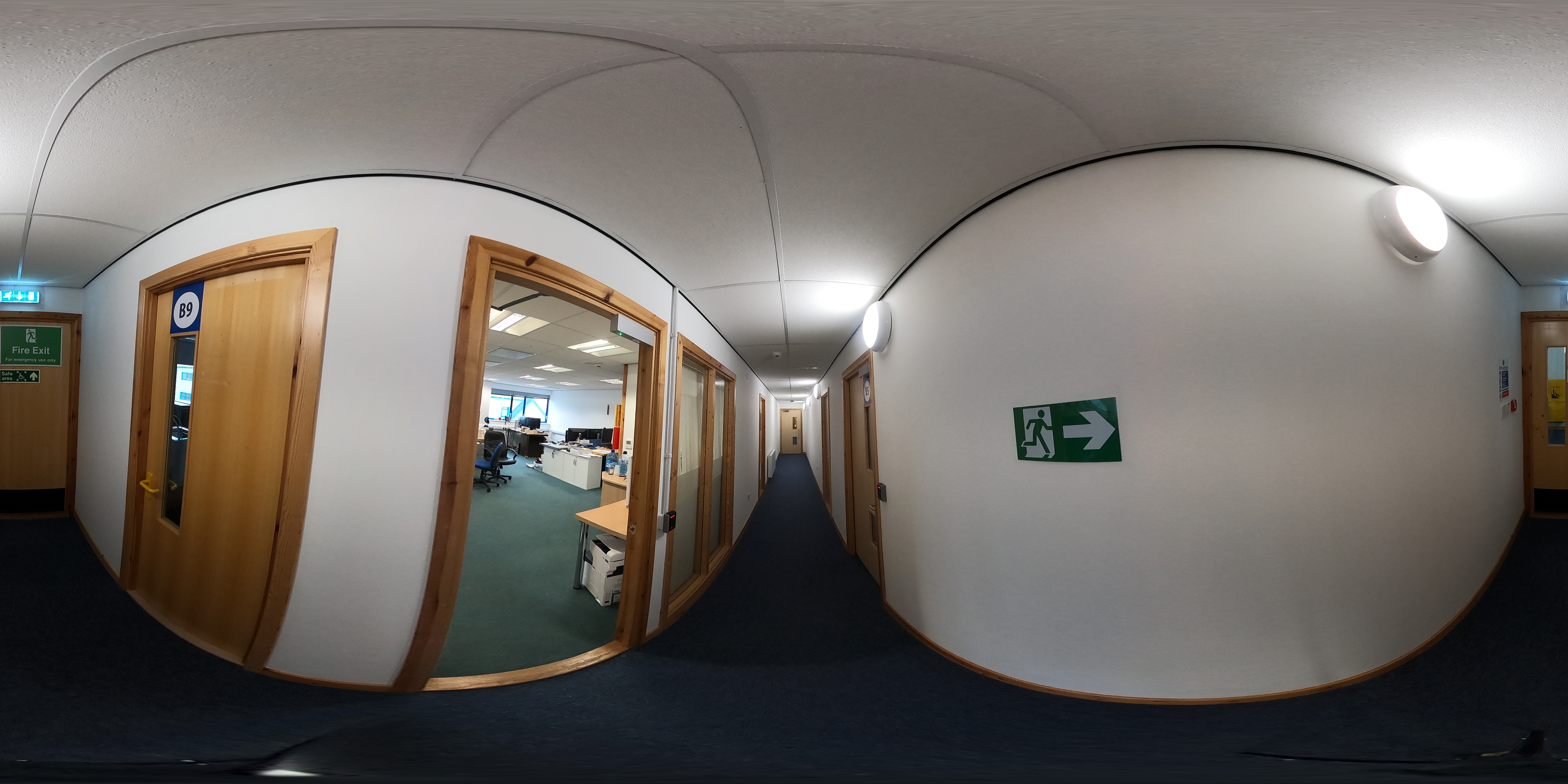
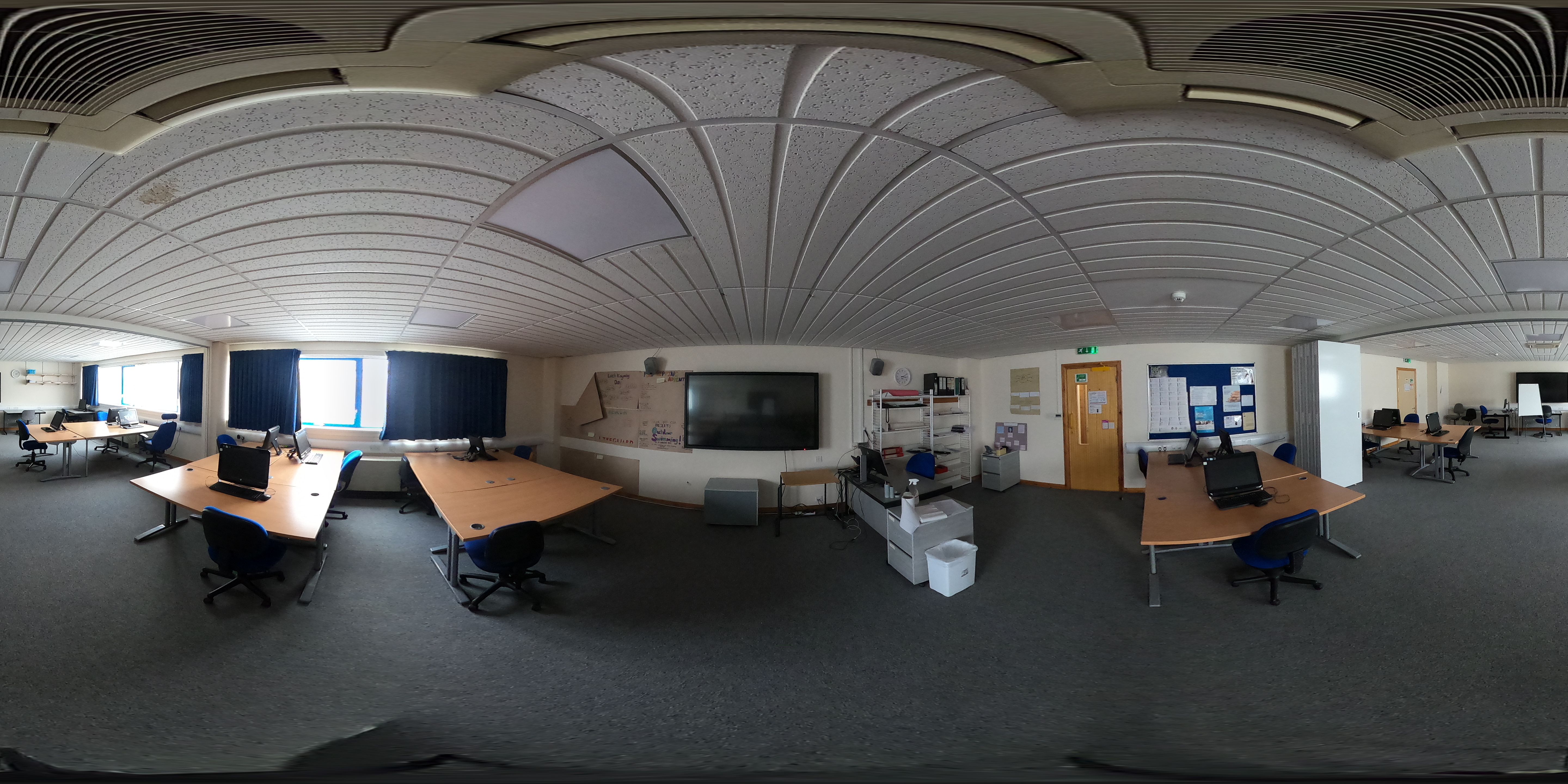
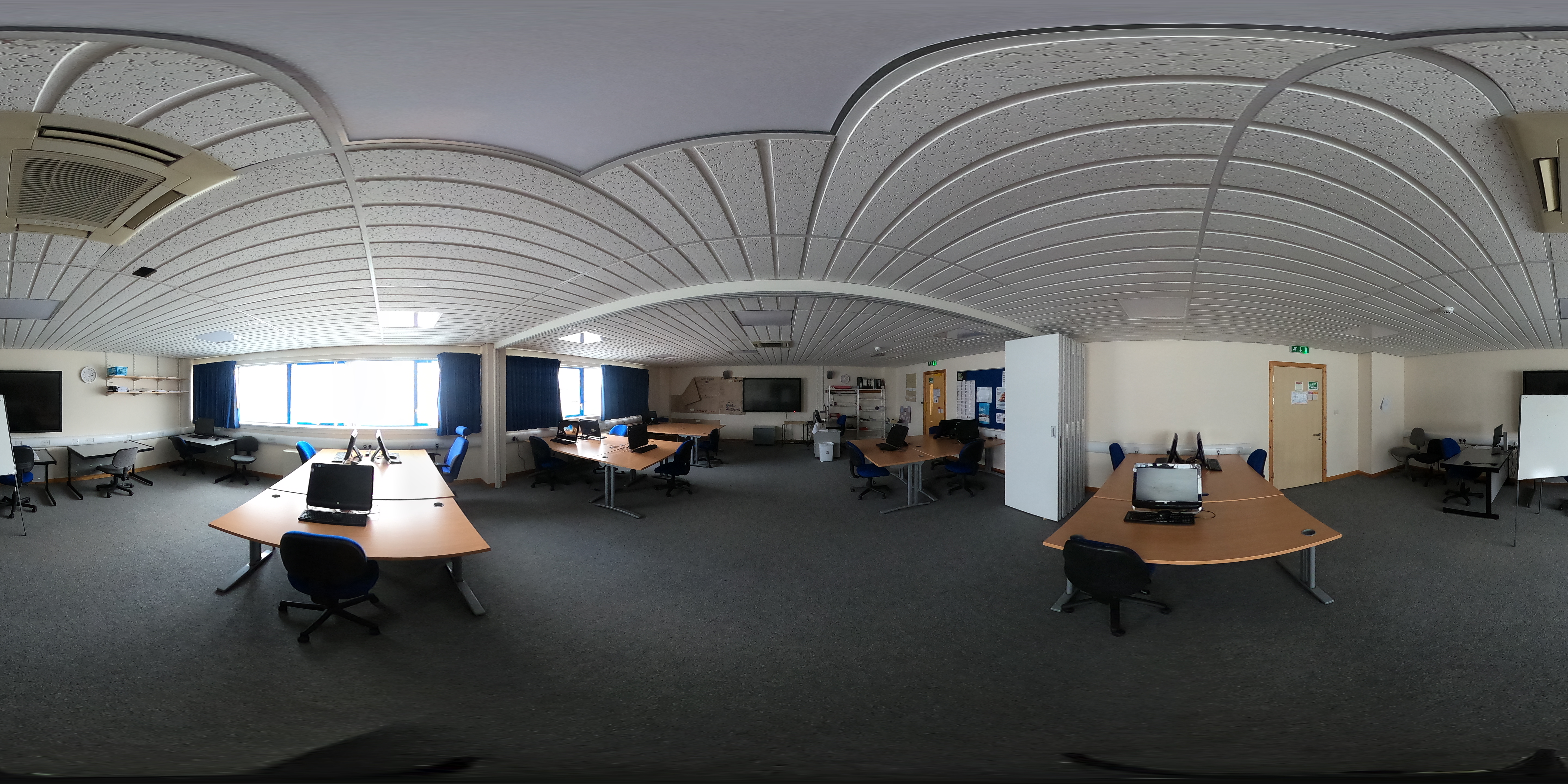
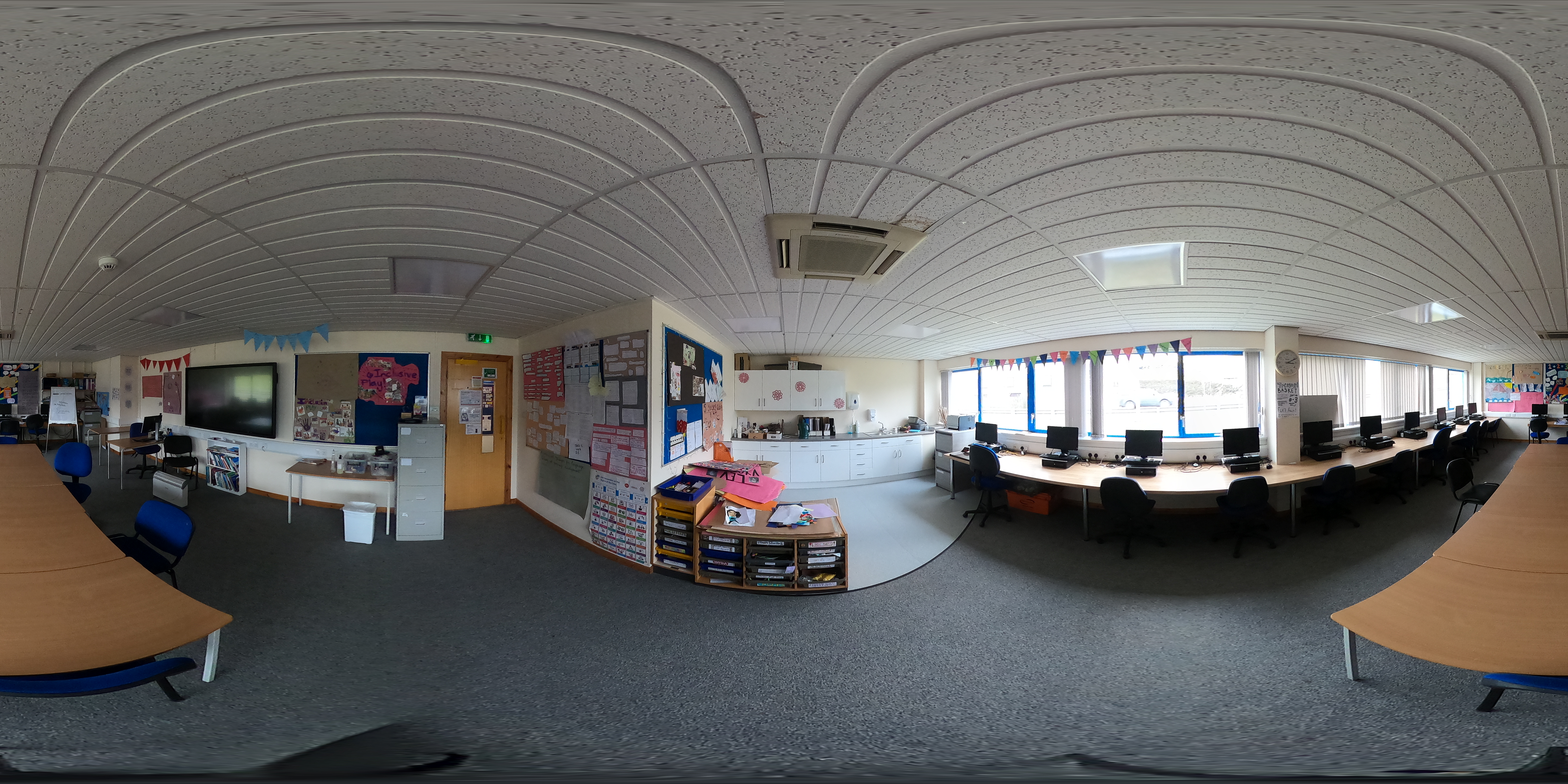
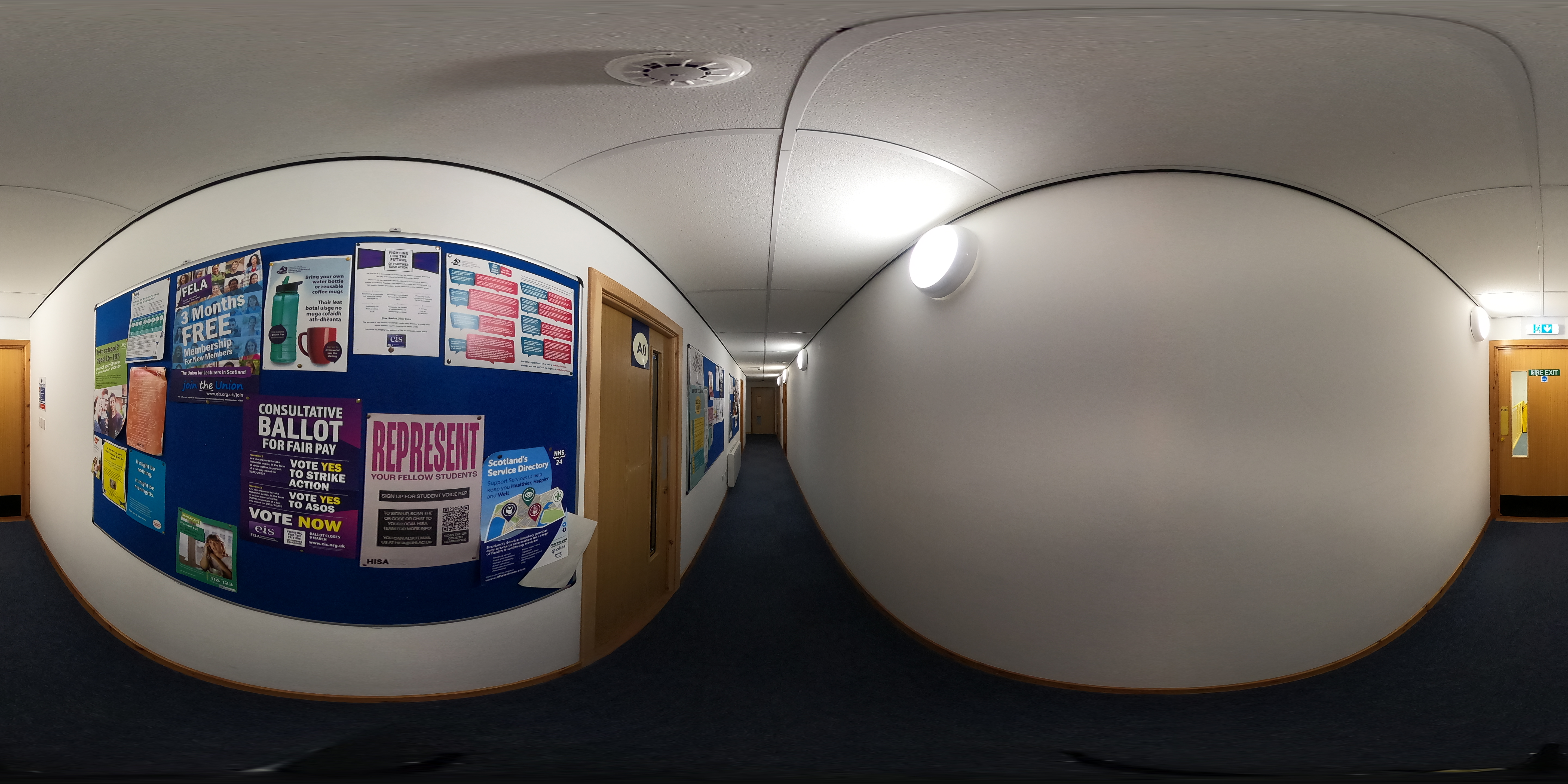





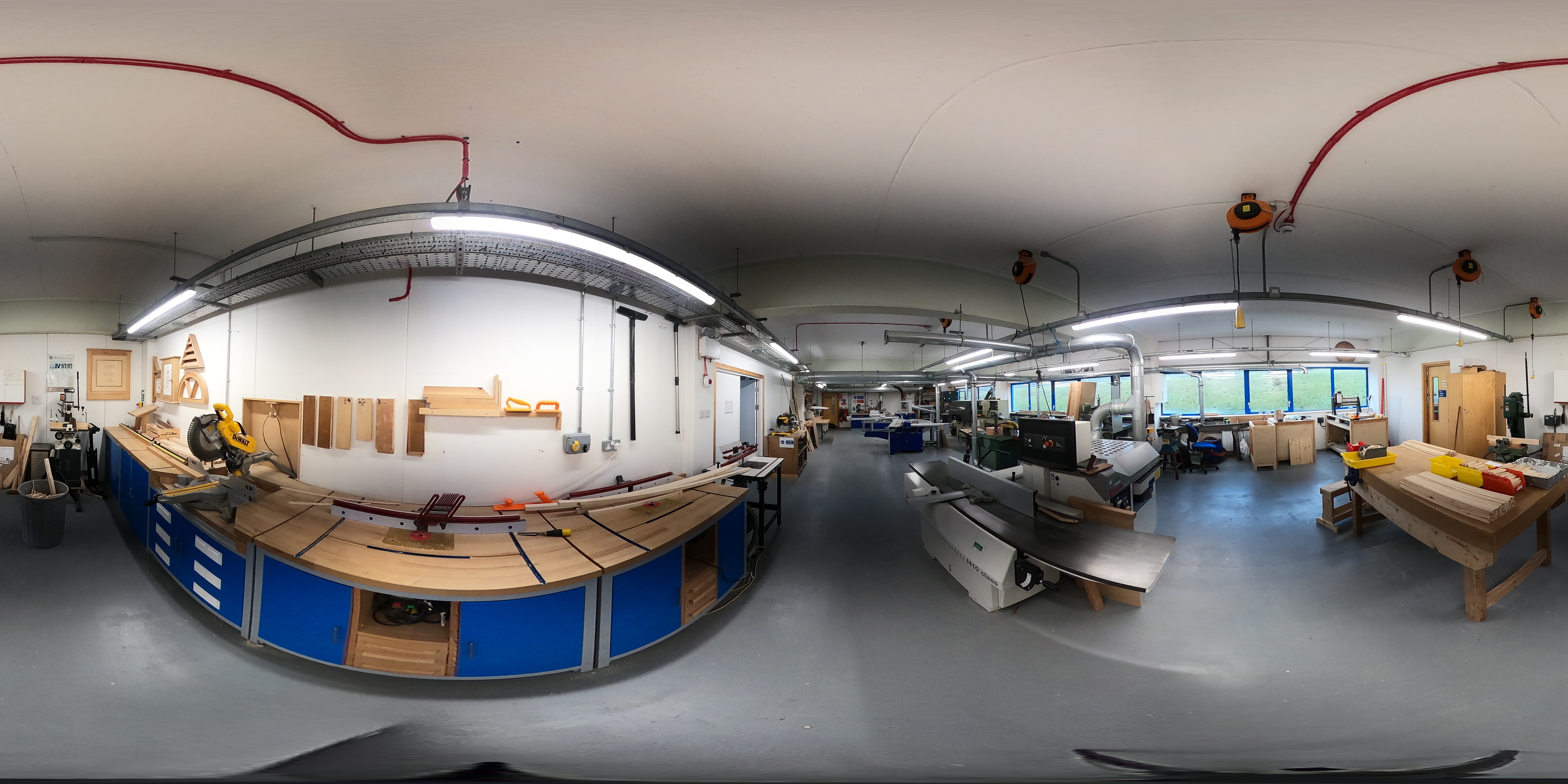

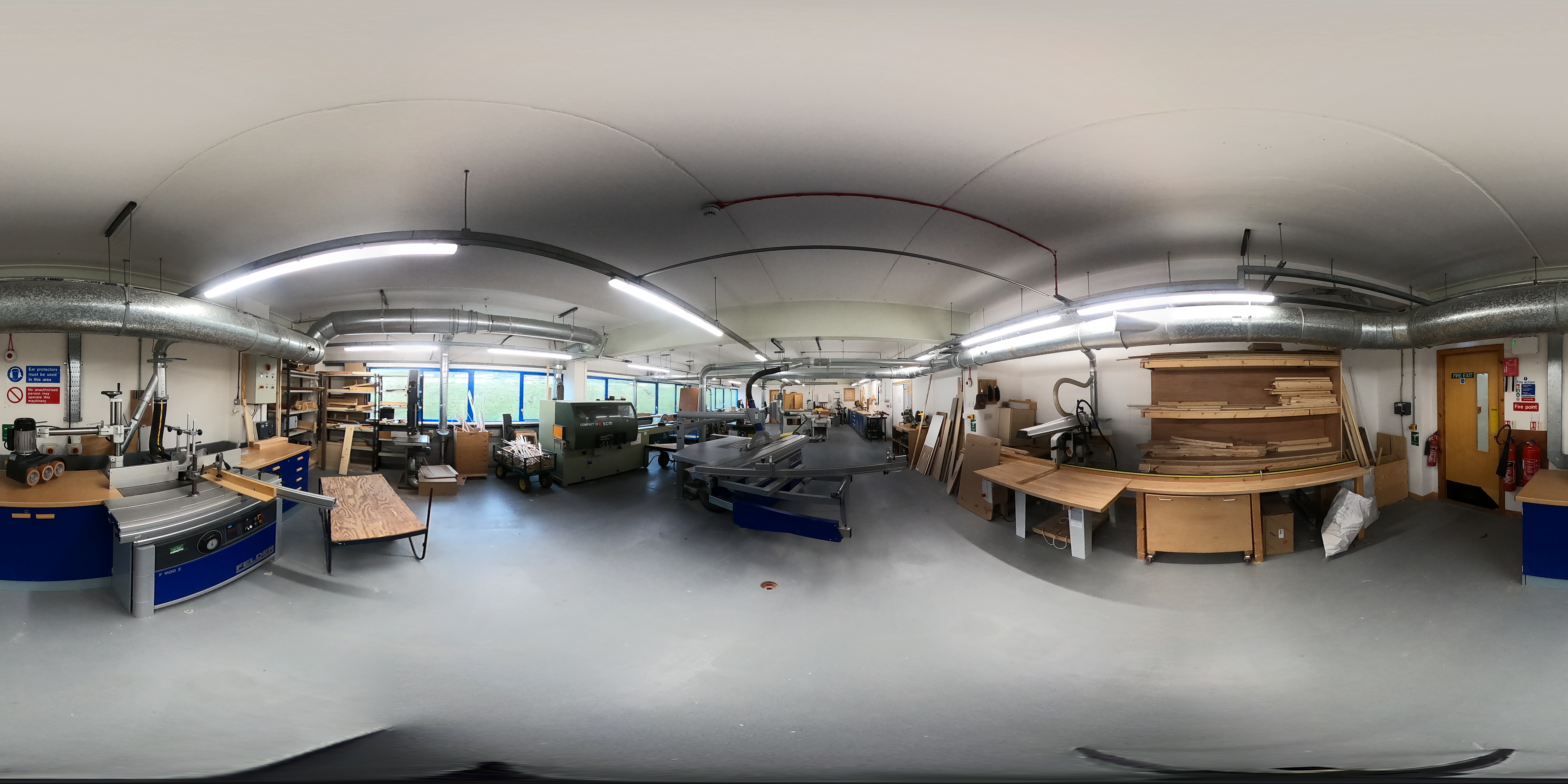



 : Move to next location
: Reveals information about object > Information box > Displays more details.
: Dropdown menu > Quick Search Navigation > Jump to locations fast.
: Move to next location
: Reveals information about object > Information box > Displays more details.
: Dropdown menu > Quick Search Navigation > Jump to locations fast.
While using the VR Headset:
While using the desktop version:
